How to Save a Recipe from a Photo or Screenshot
Last updated: 2026-03-20
Quick Answer
Got a recipe as a photo on your phone or a screenshot on your desktop? Family Values can read it. Upload the image to the Magic AI Importer, and the AI will extract every detail -- title, ingredients, instructions, and more -- turning it into a fully editable recipe in your familyvalu.es collection.
Step-by-Step Walkthrough
-
Open the Magic AI Importer in Family Values and select the Image tab (the Camera icon).
-
Upload your recipe photo by clicking the upload area or dragging and dropping the image directly onto it. The maximum file size is 10MB.
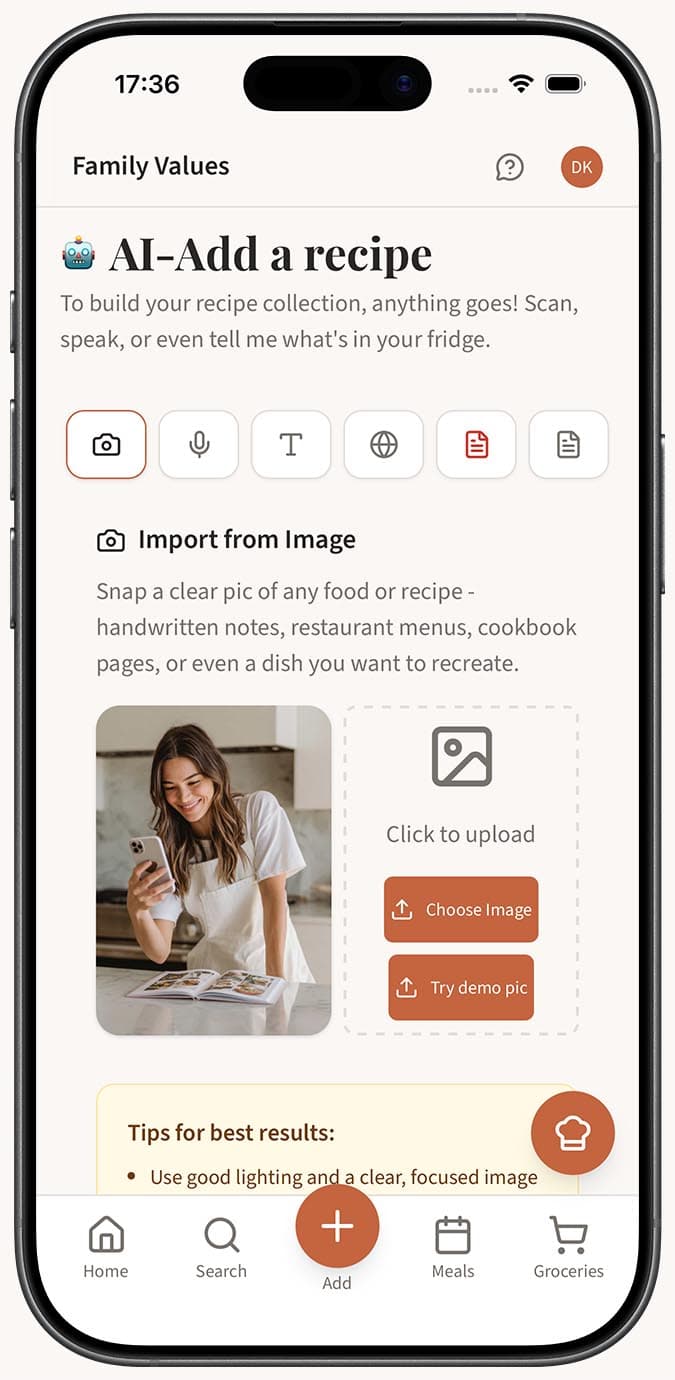
-
Preview your image in the dialog that appears. If you'd like to give the AI some context -- like "This is a soup recipe from my aunt" -- type it into the optional notes field.
-
Click the "Scan Recipe" button to start extraction.
-
Wait while the AI analyzes the image. It reads printed text, handwriting, and even text overlaid on photos. Within a few seconds, your recipe will be fully extracted.
-
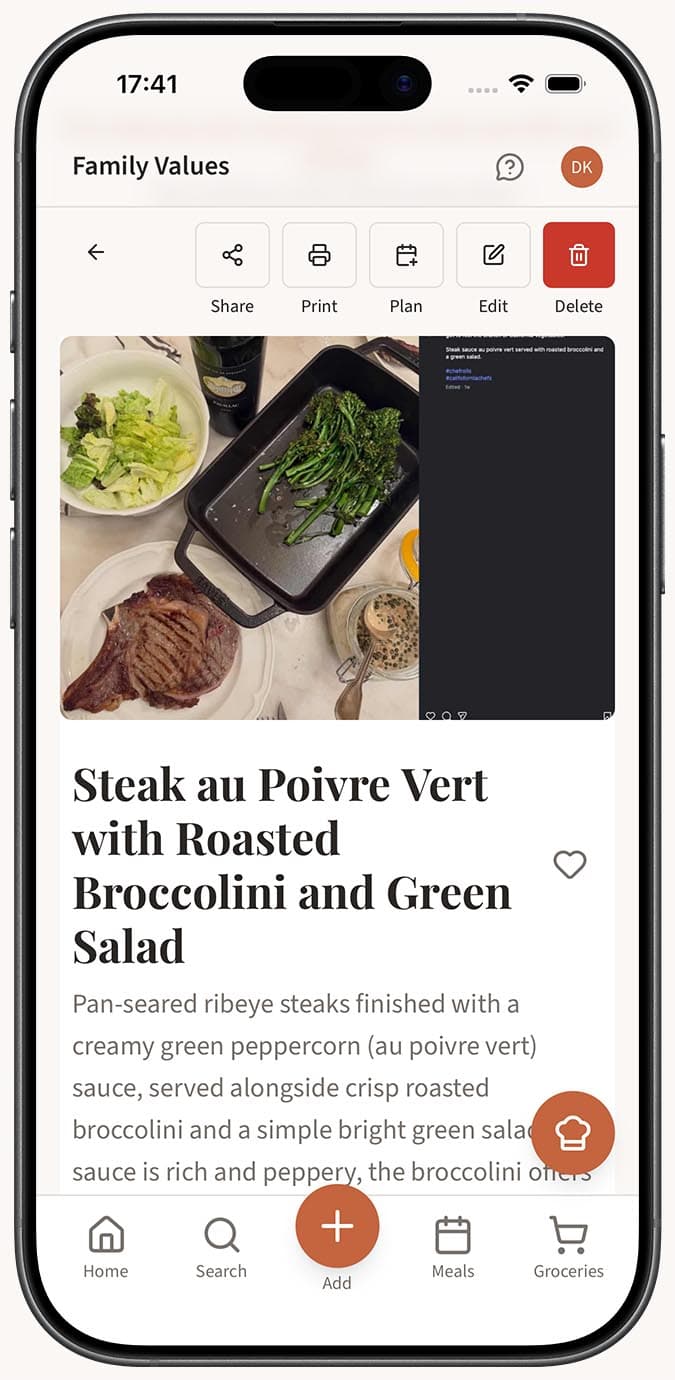
Review the result. With autosave on, it goes straight into your collection. With autosave off, you'll see the recipe editor with everything pre-filled and ready for your tweaks.
Tips
- Make sure the text in the photo is legible. Good lighting and a steady hand go a long way -- but the AI is surprisingly forgiving with imperfect shots.
- Screenshots of recipes from websites, social media posts, or messaging apps all work perfectly. If you can read it on screen, the AI probably can too.
- The optional notes field is helpful when the image is ambiguous. For example, if the photo shows two recipes on one page, you can note which one you want.
- Handwriting works too! If you're scanning a handwritten recipe card, check out our dedicated guide on digitizing handwritten recipes.
- You can always edit the extracted recipe afterward -- fix a typo, adjust quantities, or add your own personal notes.
Related Questions
Frequently Asked Questions
Related Articles
How to Digitize Handwritten Recipes
Preserve your family's handwritten recipe cards and cookbook notes by digitizing them with Family Values' Magic AI Importer.
What Is the Magic AI Importer and How Does It Work?
Discover how the Magic AI Importer in Family Values uses advanced AI to extract and structure recipes from photos, voice, text, websites, PDFs, and JSON.
How Accurate Is AI Recipe Import?
Find out how accurate the Family Values Magic AI Importer is across different source types, and learn tips for getting the best results.