How Accurate Is AI Recipe Import?
Last updated: 2026-03-20
Quick Answer
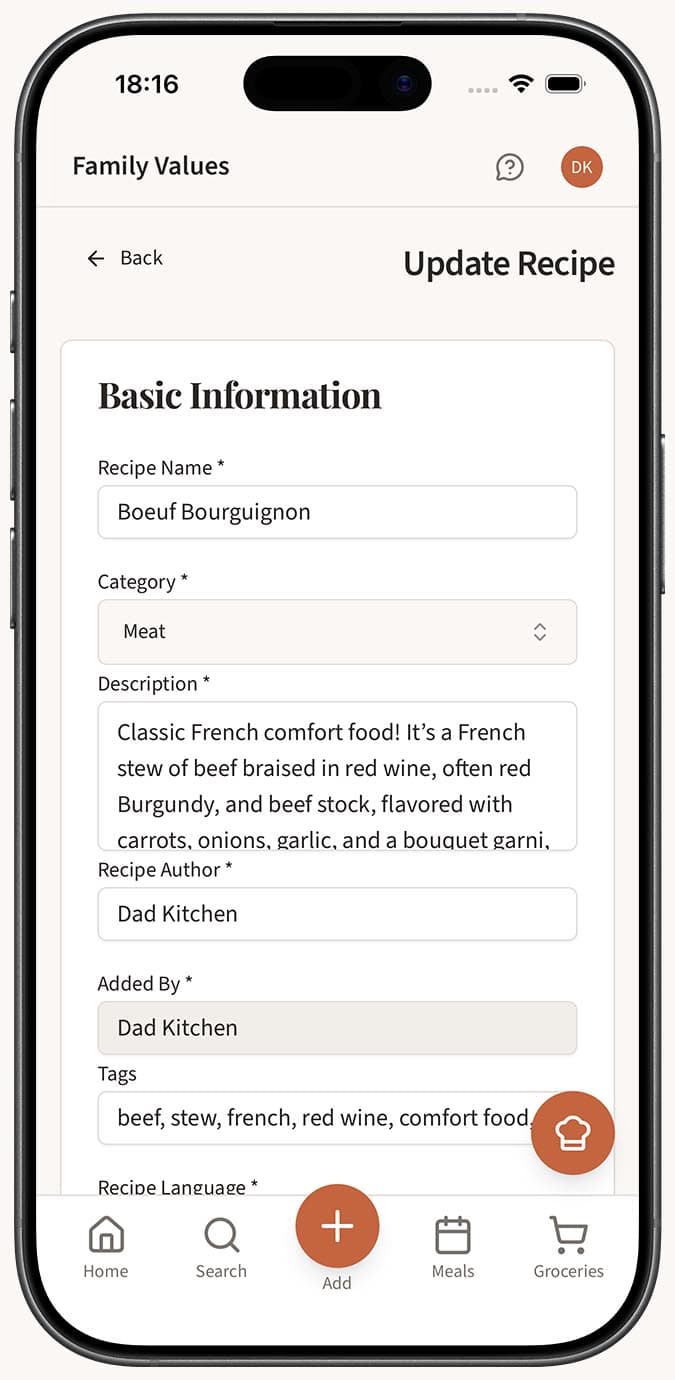
The Magic AI Importer in Family Values is highly accurate, especially with digital text sources like websites and typed recipes. For most imports, you can expect the AI to correctly extract the recipe title, ingredients with amounts, instructions, servings, and timing. That said, accuracy can vary depending on your source, so Family Values always lets you review and edit everything at familyvalu.es before or after saving.
Step-by-Step Walkthrough
Here's what to expect from each import method, ranked roughly by typical accuracy:
Highest Accuracy: Webpages and Text
-
Webpage imports tend to be the most accurate. Recipe websites usually have well-structured content, and the AI can cleanly extract every field -- title, description, ingredients, instructions, servings, prep time, cook time, and difficulty.
-
Text imports are similarly accurate when the recipe is clearly written. Typing or pasting a recipe with listed ingredients and numbered steps gives the AI everything it needs.
High Accuracy: PDFs, JSON, and Voice
-
PDF imports work very well with digitally-created PDFs. Scanned PDFs depend on the scan quality, similar to photo imports.
-
JSON imports are essentially perfect since the data is already structured. This is the most reliable method if your source app supports JSON export.
-
Voice imports are surprisingly accurate. The transcription engine handles natural speech well, and the AI extraction layer is good at interpreting conversational recipe descriptions.
Good Accuracy: Photos and Images
- Photo imports have the widest accuracy range. A well-lit, sharp photo of a printed recipe page will import almost perfectly. Handwritten recipes, dim lighting, or angled shots may need some corrections after import.
What the AI Extracts
For every import, the AI attempts to identify and structure:
- Recipe title and description
- Ingredients with individual amounts, units, and ingredient names
- Instructions as ordered steps
- Course (breakfast, lunch, dinner, snack, dessert)
- Difficulty level
- Servings count
- Prep time and cook time
The AI is particularly strong at separating ingredients from instructions, identifying amounts and units (even when written informally like "a handful" or "a pinch"), and ordering steps logically.
Tips
- For photo imports, the single biggest factor in accuracy is image clarity. Use good lighting, hold the camera steady, and make sure all the text is in focus and visible.
- If you're importing a handwritten recipe, try to photograph it on a flat, well-lit surface. The AI can read most handwriting, but clean, consistent writing helps.
- Always do a quick scan of the ingredients list after importing. Amounts are the most common thing to double-check, especially with photos of handwritten recipes.
- If something imports oddly, don't delete and re-import. Just edit the field directly in the recipe editor -- it's much faster.
- Voice imports work best when you clearly state amounts ("two cups" rather than mumbling through the quantity). The AI can usually infer context, but being specific doesn't hurt.
- The AI improves over time. If you notice patterns in extraction errors, try slightly adjusting how you format or speak your recipes.
Related Questions
Frequently Asked Questions
Related Articles
Can I Edit a Recipe After Importing It?
Learn how to edit any recipe in Family Values after importing it. Every field is fully editable, from ingredients and instructions to images and tags.
What Is the Magic AI Importer and How Does It Work?
Discover how the Magic AI Importer in Family Values uses advanced AI to extract and structure recipes from photos, voice, text, websites, PDFs, and JSON.
How to Save a Recipe from a Photo or Screenshot
Turn any recipe photo or screenshot into a digital recipe in Family Values using the Magic AI Importer's Image tab.