How to Import a Recipe from a Cookbook Page
Last updated: 2026-03-20
Quick Answer
Love a recipe from one of your cookbooks but want it on your phone while you cook? Family Values lets you photograph any cookbook page and import it digitally. Just snap a picture, upload it to the Magic AI Importer at familyvalu.es, and you'll have a clean, editable version in your collection in seconds.
Step-by-Step Walkthrough
-
Open your cookbook to the recipe you want to import. Flatten the page as much as possible -- if the book won't stay open, place something heavy on the edges or gently hold it down.
-
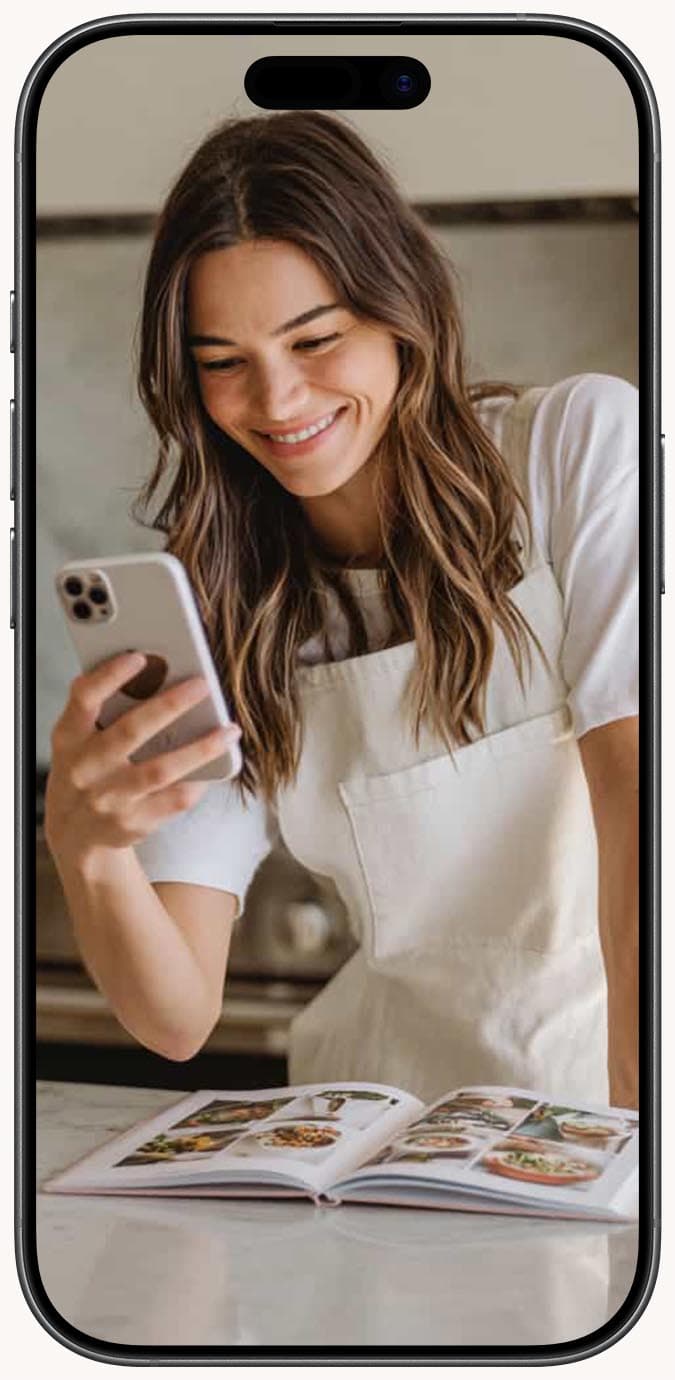
Photograph the page. Position your phone directly above the book to minimize distortion. Make sure the entire recipe is in frame, including the title, ingredient list, and all instructions.
-
Open the Magic AI Importer in Family Values and select the Image tab (the Camera icon).
-
Upload the photo by clicking the upload area or dragging and dropping the file. Images must be under 10MB.
-
Add notes if the page has extra content. If there are multiple recipes on the page, sidebar tips, or decorative text, use the optional notes field to specify what you want: "Import the main recipe, not the variation in the sidebar."
-
Click the "Scan Recipe" button and wait a few seconds for the AI to process the image.
-
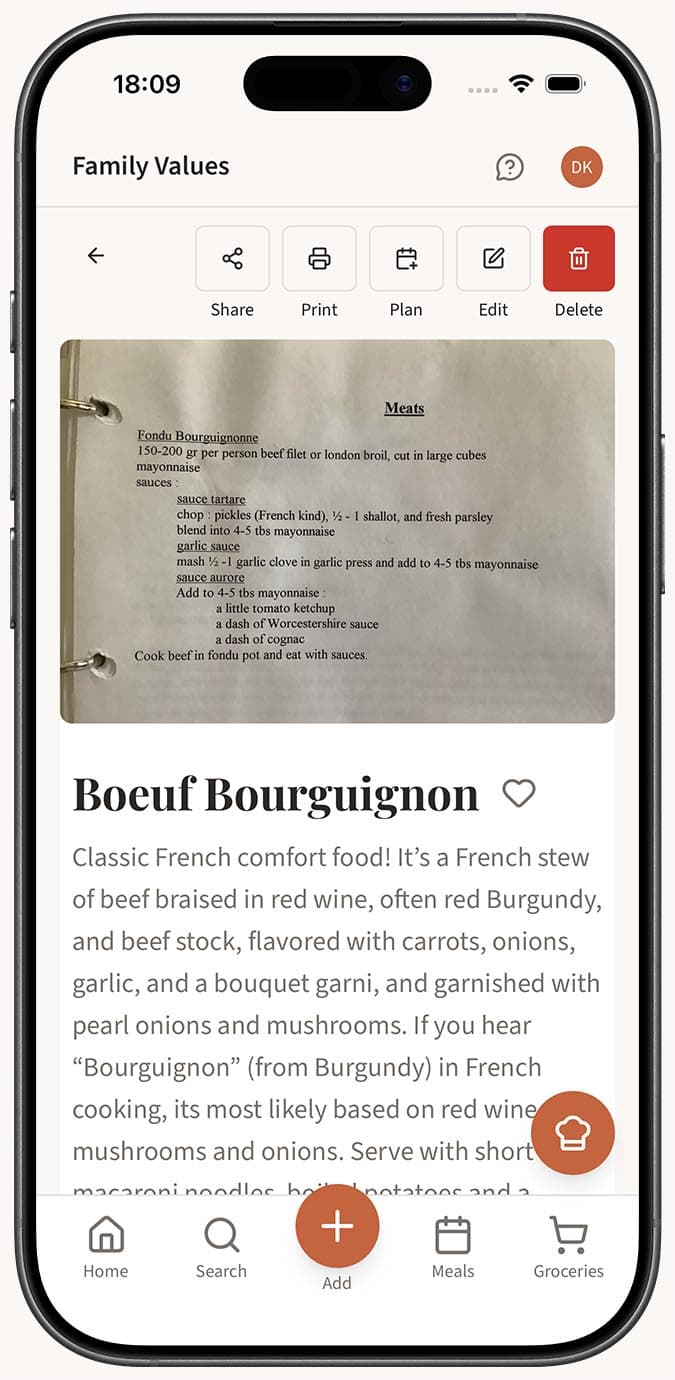
Review the extracted recipe. The AI parses the title, ingredients with quantities, step-by-step instructions, and details like prep time and servings. If autosave is off, you'll land in the recipe editor to make any adjustments before saving.
Tips
- Good lighting is the single most important factor. Natural light from a window is ideal. Avoid flash, which can cause glare on glossy cookbook pages.
- Hold your camera parallel to the page, not at an angle. This prevents perspective distortion that makes text harder to read.
- For glossy pages that reflect light, try angling the book slightly or moving to a different light source to eliminate glare spots.
- If a recipe spans two pages, photograph each page separately. Import the first page, then manually add the remaining steps from the second photo in the recipe editor.
- Cookbook typography is usually very clean, so accuracy tends to be excellent. Still, give the result a quick scan to make sure nothing was missed.
- This works equally well with magazine recipes, newspaper clippings, and printed recipe printouts.
Related Questions
Frequently Asked Questions
Related Articles
How to Save a Recipe from a Photo or Screenshot
Turn any recipe photo or screenshot into a digital recipe in Family Values using the Magic AI Importer's Image tab.
How to Save a Recipe from a PDF
Import recipes from PDF files into Family Values using the Magic AI Importer's dedicated PDF tab.
How Accurate Is AI Recipe Import?
Find out how accurate the Family Values Magic AI Importer is across different source types, and learn tips for getting the best results.