How to Add a Recipe by Speaking or Dictating It
Last updated: 2026-03-20
Quick Answer
Have a recipe in your head but don't feel like typing it out? Family Values lets you speak your recipe out loud and the Magic AI Importer will turn your words into a fully structured recipe. Open the Voice tab at familyvalu.es, tap the record button, talk through your dish, and the AI handles the rest.
Step-by-Step Walkthrough
-
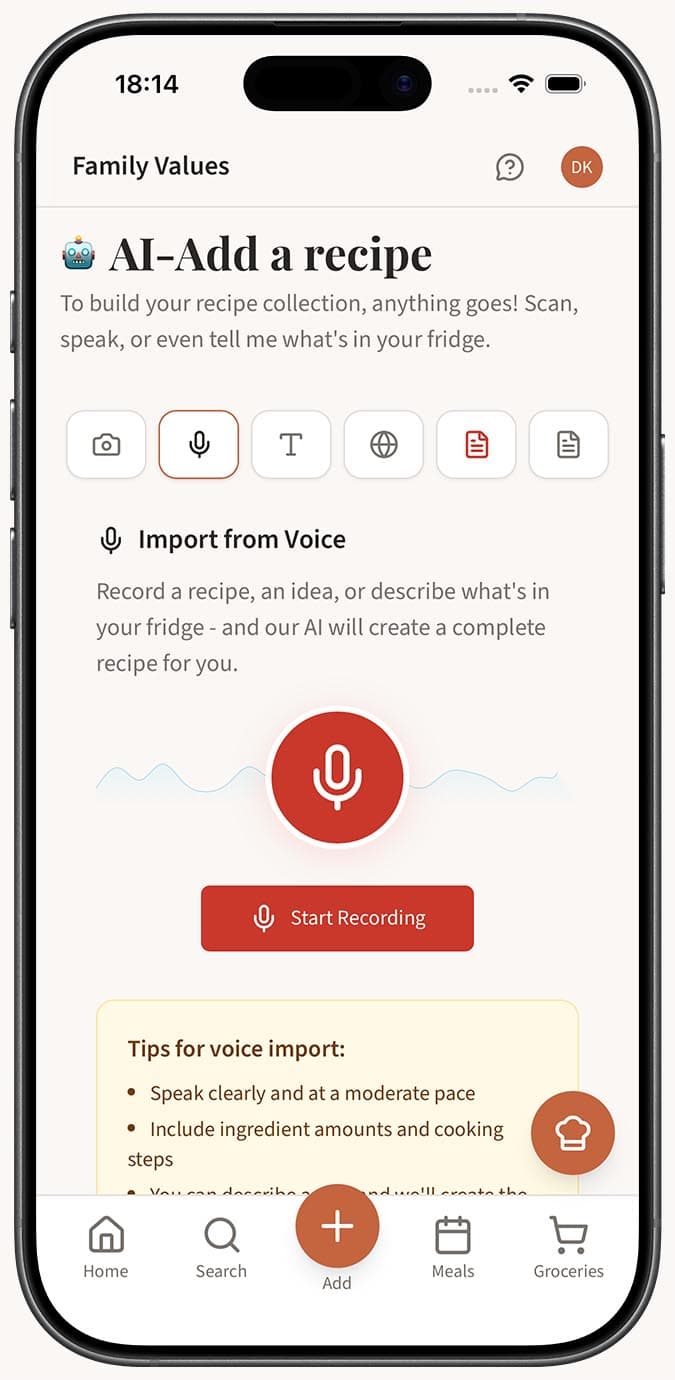
Open the Magic AI Importer in Family Values and select the Voice tab (the Microphone icon).
-
Tap the large red Record button to begin recording. Your browser may ask for microphone permission the first time -- go ahead and allow it.
-
Speak your recipe naturally. Start with the dish name, then describe the ingredients with their amounts and units (for example, "two cups of flour, one teaspoon of salt"), and then walk through the cooking steps in order.
-
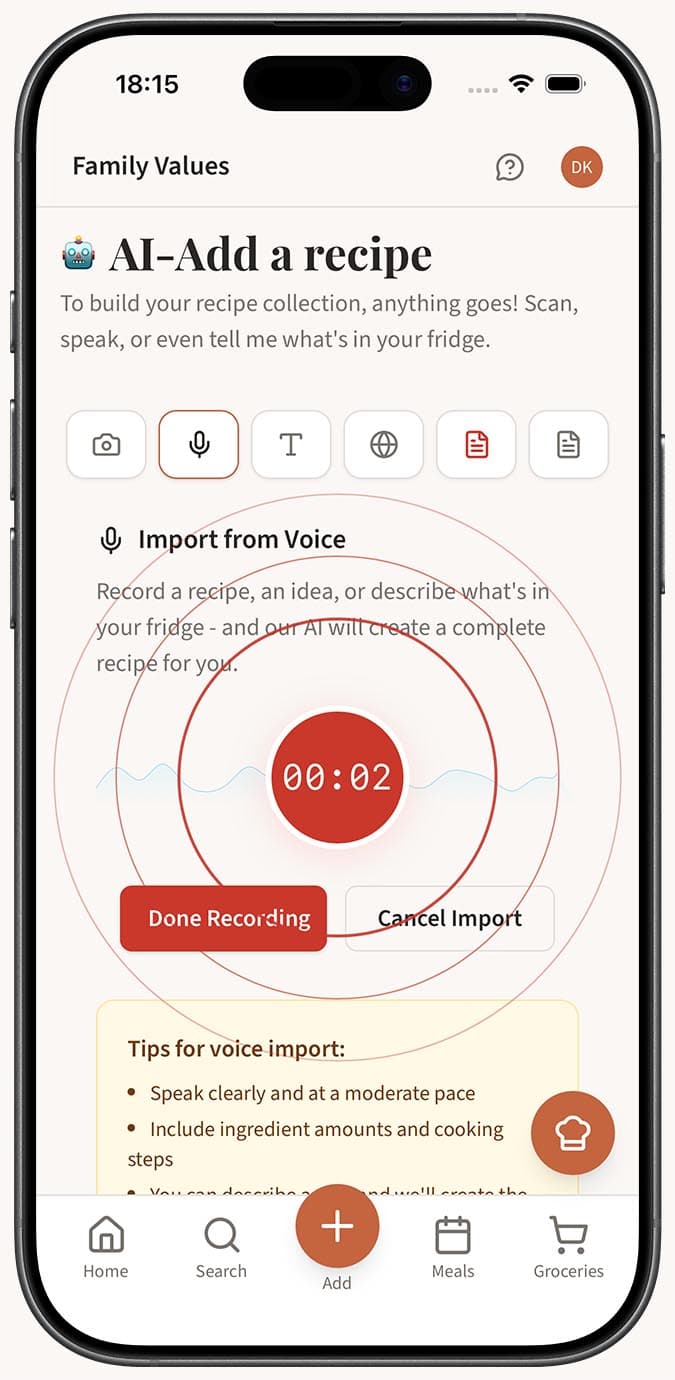
Watch the timer as you record. You have up to 5 minutes, and the recorder will auto-stop if it detects a long period of silence, so there's no pressure to rush.
-
Tap the "Done Recording" button when you've finished describing your recipe.
-
Wait while the AI processes your recording. You'll see the progress move through three stages: uploading your audio, transcribing your speech to text, and then extracting the structured recipe data.
- Review your new recipe. If you have autosave enabled in your settings, it saves automatically to your collection. Otherwise, the recipe editor opens with all the fields pre-filled so you can tweak anything before saving.
Tips
- Speak clearly and at a natural pace. You don't need to slow down unnaturally, but avoid rushing through ingredient lists.
- Always include amounts and units when listing ingredients. Saying "two tablespoons of olive oil" gives much better results than just "some olive oil."
- Structure your dictation the way you'd explain the recipe to a friend: name the dish, list what you need, then describe how to make it.
- If you're reading from a handwritten card or a cookbook, the Voice tab is often faster than typing the whole thing into the Text tab.
- You can dictate recipes in multiple languages. The AI transcription supports English, French, Spanish, Russian, Chinese, German, Italian, and more.
- Don't worry about saying "um" or pausing to think -- the AI is smart enough to filter out filler words and focus on the recipe content.
Related Questions
Frequently Asked Questions
Related Articles
What Is the Magic AI Importer and How Does It Work?
Discover how the Magic AI Importer in Family Values uses advanced AI to extract and structure recipes from photos, voice, text, websites, PDFs, and JSON.
How Accurate Is AI Recipe Import?
Find out how accurate the Family Values Magic AI Importer is across different source types, and learn tips for getting the best results.
Can I Edit a Recipe After Importing It?
Learn how to edit any recipe in Family Values after importing it. Every field is fully editable, from ingredients and instructions to images and tags.