How to Set Up Your Profile
Last updated: 2026-03-20
Quick Answer
After creating your Family Values account at familyvalu.es, you can personalize your profile by adding a photo, choosing a unique subdomain for your public recipe page, setting your preferred language and measurement units, and organizing custom recipe categories.
Step-by-Step Walkthrough
-
Navigate to your profile or settings. Once signed in, open the Settings page from the main navigation. This is where all your profile options live.
-
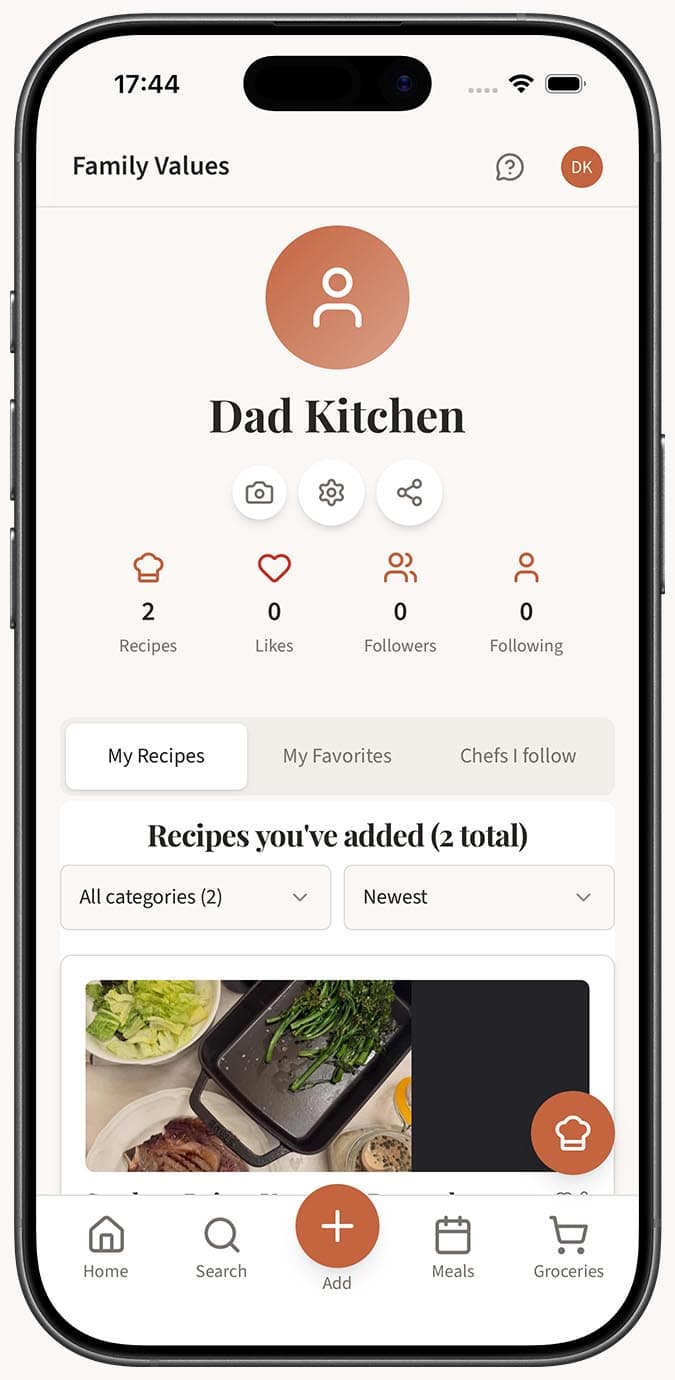
Add your name. Your display name appears on your profile and on any recipes you share. If you entered it during sign-up, it will already be filled in -- you can change it anytime.
-
Upload an avatar. Tap the avatar area to upload a photo. Pick a picture of yourself, your favourite dish, or anything that represents you. The app compresses the image automatically so you don't need to worry about file size.
-
Choose your subdomain. This creates your personal public URL at familyvalu.es/profile/your-name. Pick something short and memorable -- it's how friends and family will find your shared recipes.
-
Set your preferred language. Family Values supports seven languages: English, French, Spanish, Russian, Chinese (Simplified), German, and Italian. Choose the one you're most comfortable with and the entire interface will update.
-
Pick your measurement units. Select between Metric and Imperial for ingredient quantities, and between Celsius and Fahrenheit for oven temperatures. Recipes will display in your chosen units throughout the app.
-
Organize your recipe categories. Family Values lets you create custom categories to sort your recipes however you like. Add new categories and use drag-and-drop to reorder them to your preference.
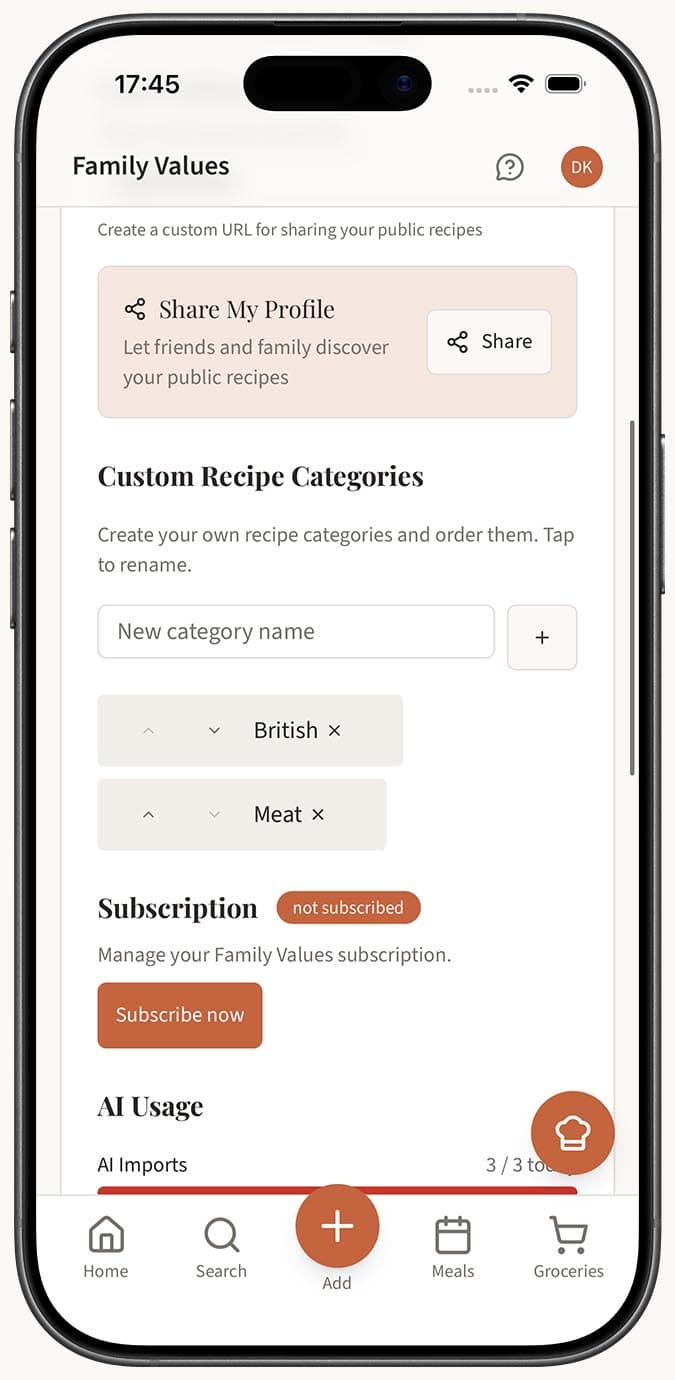
- Save your changes. Make sure to save before leaving the page so nothing is lost.
Tips
- Your subdomain is your brand. If you plan to share recipes with family or on social media, pick a subdomain that's easy to spell and remember.
- Avatar quality matters. Upload a clear photo -- it shows up next to your shared recipes and makes your profile feel more personal.
- Categories are flexible. You can always add, rename, reorder, or remove categories later. Start simple and expand as your recipe collection grows.
- Language and units are independent. You can use the app in French but display measurements in Imperial, for example. Mix and match to suit your needs.
Related Questions
Frequently Asked Questions
Related Articles
How to Create a Family Values Account
Learn how to sign up for a Family Values account in just a few steps and start saving your family recipes.
How to Change Your Preferred Language
Switch the Family Values app interface to any of 7 supported languages including English, French, Spanish, and more.
How to View Your Public Profile
Learn how to find and view your public profile on Family Values at familyvalu.es, and see what other users see when they visit it.