So erstellst du ein Family Values-Konto
Last updated: 2026-03-20
Kurze Antwort
Ein Konto bei Family Values zu erstellen ist kostenlos und dauert weniger als eine Minute. Gehe zu familyvalu.es/auth, wechsle zum Reiter Sign Up, gib deinen Namen, deine E-Mail-Adresse und ein Passwort ein – und schon bist du dabei.
Schritt-für-Schritt-Anleitung
-
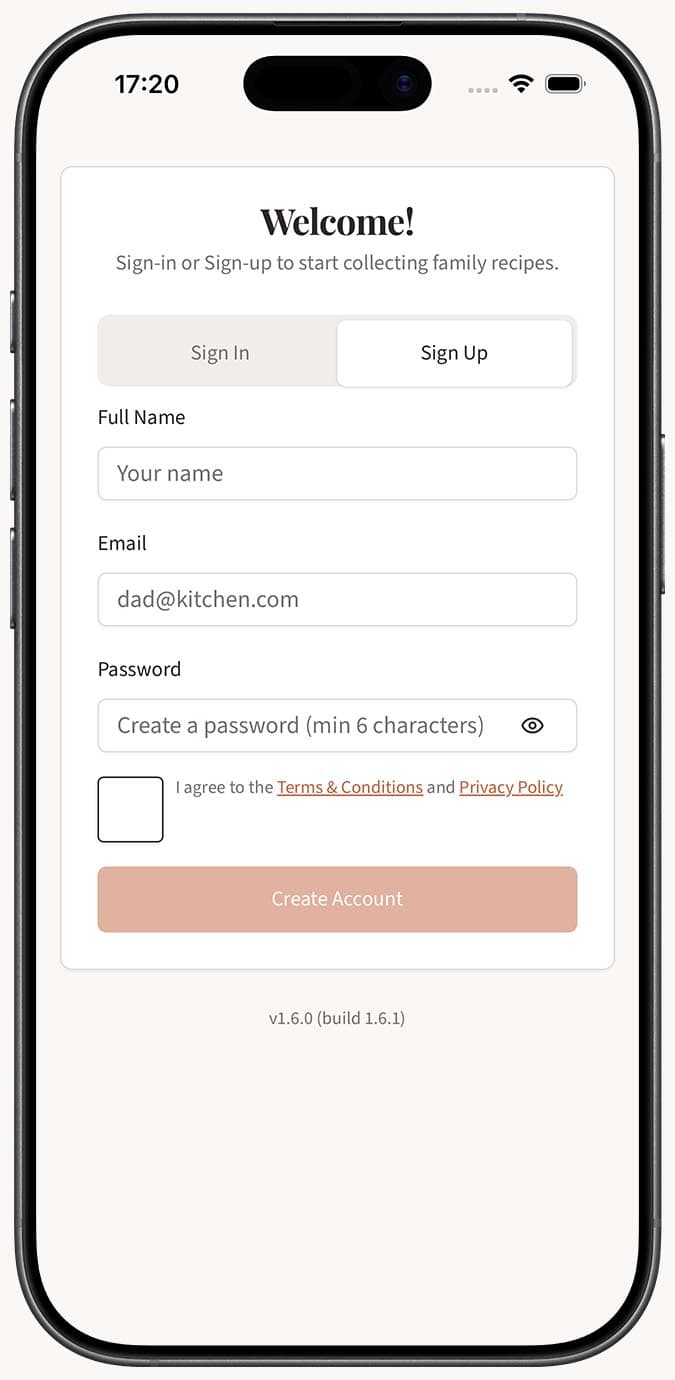
Öffne die Registrierungsseite. Besuche familyvalu.es/auth in einem beliebigen Browser auf deinem Smartphone, Tablet oder Computer. Du siehst ein Formular mit zwei Reitern oben: Sign In und Sign Up.
-
Wähle den Reiter Sign Up aus. Tippe oder klicke auf Sign Up, um die Registrierungsfelder anzuzeigen.
-
Gib deine Daten ein. Fülle die drei erforderlichen Felder aus:
- Name -- der Name, der in deinem Profil und bei geteilten Rezepten angezeigt wird.
- Email -- verwende eine E-Mail-Adresse, auf die du Zugriff hast.
- Password -- wähle ein sicheres Passwort. Eine Mischung aus Buchstaben, Zahlen und Symbolen ist immer eine gute Idee.
-
Tippe auf „Sign Up“. Nach dem Absenden wird dein Konto erstellt und du wirst automatisch angemeldet.
-
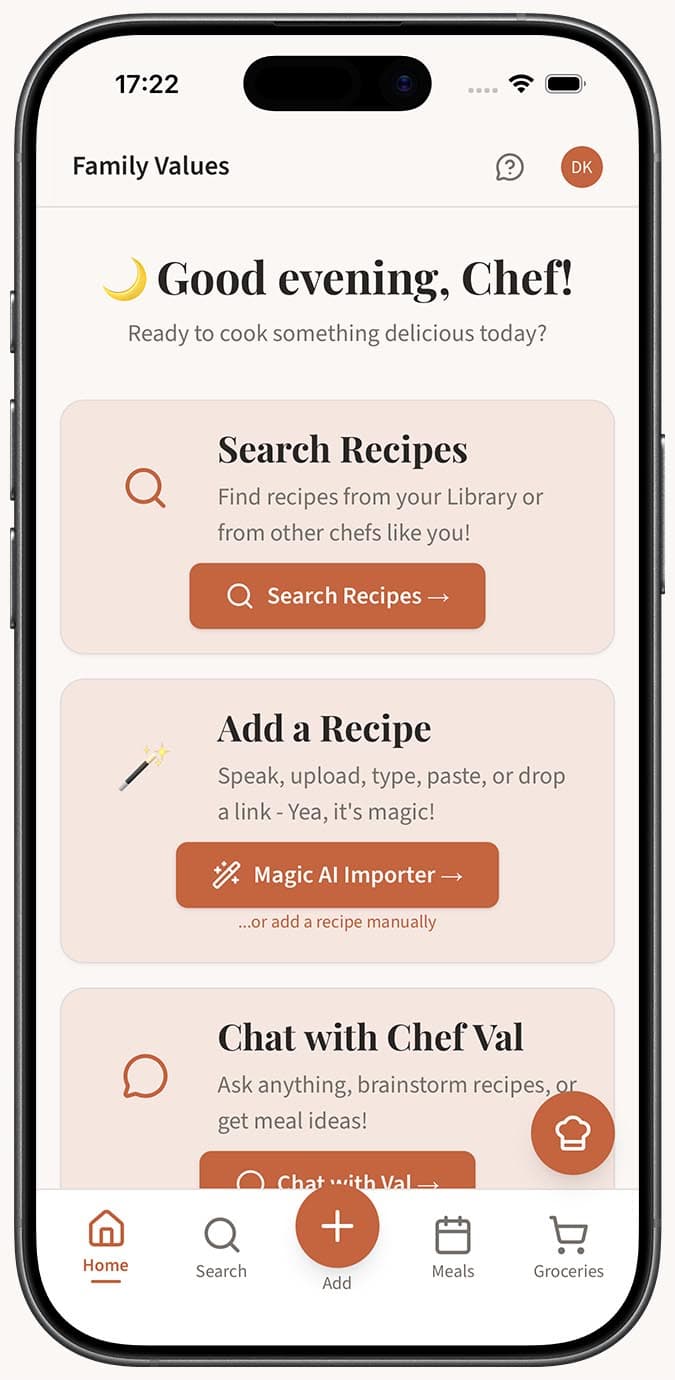
Richte dein Profil ein (optional, aber empfohlen). Sobald du angemeldet bist, gehe zu deiner Profilseite, um ein Avatarbild hinzuzufügen, deine bevorzugte Sprache und Maßeinheiten auszuwählen und eine benutzerdefinierte Subdomain für deine öffentliche Rezeptseite festzulegen.
Tipps
- Setze ein Lesezeichen für die App. Da Family Values eine Progressive Web App ist, kannst du sie auf jedem Gerät zu deinem Startbildschirm hinzufügen, damit sie sich wie eine native App anfühlt -- auf den meisten Plattformen ist kein Download aus dem App Store erforderlich.
- Wähle ein starkes Passwort. Family Values speichert deine persönlichen Rezepte, also behandle dein Passwort so sorgfältig wie bei jedem anderen wichtigen Konto.
- Merke dir deine E-Mail-Adresse. Du brauchst sie, falls du dein Passwort zurücksetzen oder dich auf einem neuen Gerät anmelden musst.
- Kostenloser Einstieg. Du brauchst kein Abonnement, um ein Konto zu erstellen. Mit einem großzügigen kostenlosen Tarif kannst du die App sofort ausprobieren. Wenn du Premium-Funktionen möchtest, kannst du später jederzeit über die Seite /upgrade upgraden.
Verwandte Fragen
Frequently Asked Questions
Related Articles
So richtest du dein Profil ein
Personalisiere dein Family Values Profil mit einem Avatar, einer öffentlichen URL, deiner bevorzugten Sprache, Einheiten und benutzerdefinierten Rezeptkategorien.
Gibt es eine kostenlose Version oder eine kostenlose Testphase?
Erfahren Sie, was Sie bei Family Values kostenlos erhalten und wie sich die kostenlose Stufe im Vergleich zum Premium-Abonnement unterscheidet.