Che cos'è AI Simplify nella lista della spesa?
Last updated: 2026-03-20
Risposta rapida
AI Simplify è uno strumento di pulizia con un solo clic nella pagina /shopping-lists di Family Values su familyvalu.es. Usa l'AI per prendere una lista della spesa disordinata e produrne una versione rifinita -- unendo gli elementi duplicati, convertendo le unità in misure più adatte alla spesa, correggendo l'assegnazione delle categorie e arrotondando le quantità scomode. Il risultato è una nuova lista (contrassegnata con un suffisso "✨") mentre l'originale rimane intatta.
Guida passo passo
-
Apri la pagina /shopping-lists e seleziona la lista che vuoi semplificare. Funziona particolarmente bene con le liste generate automaticamente dal tuo piano pasti, che possono contenere quasi-duplicati o unità miste.
-
Fai clic sul pulsante "AI Simplify" nella barra degli strumenti della lista. Vedrai il pulsante vicino alla parte superiore del pannello della lista, accanto agli altri pulsanti di azione.
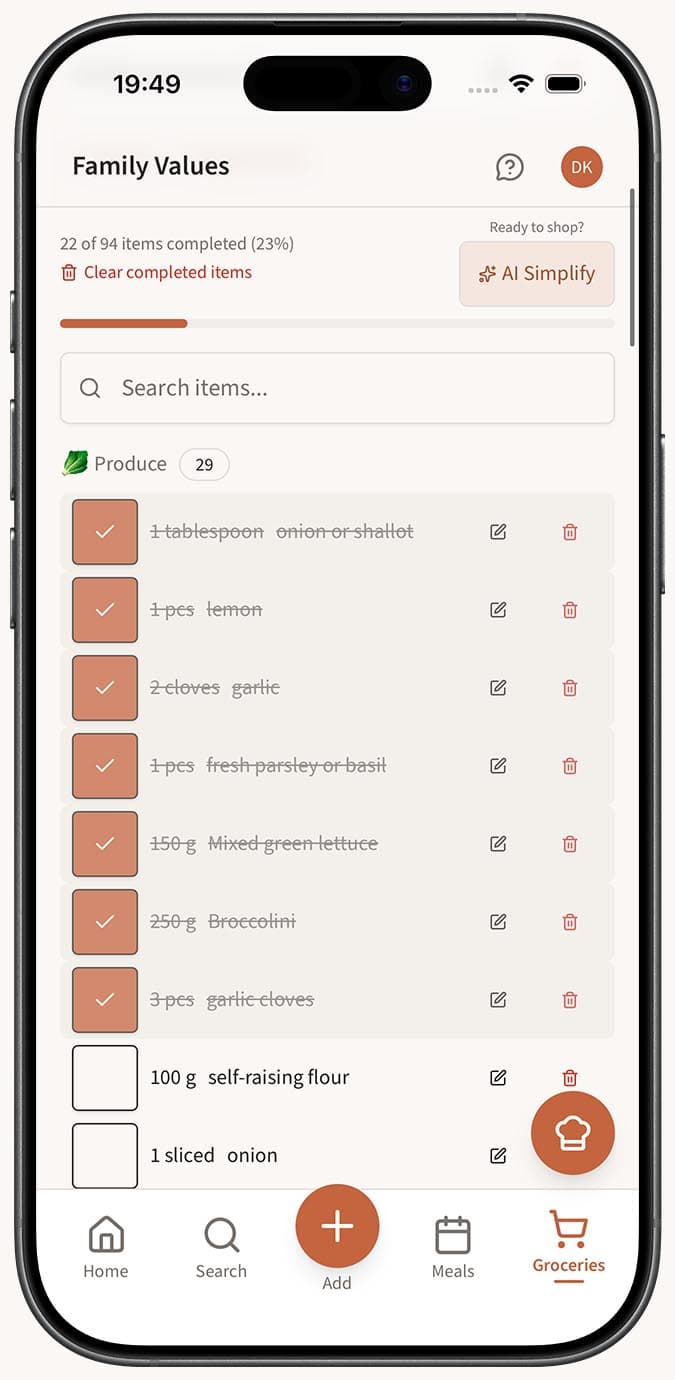
-
Attendi un momento mentre l'AI elabora la tua lista. Esegue diverse operazioni contemporaneamente:
- Unisce i duplicati -- Elementi come "Onion (1 large)" e "Yellow onion (2 medium)" vengono combinati in una singola voce.
- Normalizza le unità -- Converte le misure in unità pratiche per la spesa. Ad esempio, 16 oz diventano 1 lb e 0.25 cup diventa 4 tbsp se ha più senso in quel contesto.
- Corregge le categorie -- Riassegna gli elementi finiti nella categoria sbagliata. Se "Greek yogurt" in qualche modo è finito in Pantry, AI Simplify lo sposta in Dairy (🥛).
- Arrotonda le quantità -- Regola quantità scomode come "1.33 lbs" in quantità più adatte alla spesa come "1.5 lbs", così non devi cercare di misurare frazioni al supermercato.
-
Visualizza la nuova lista che appare nella barra laterale. Ha lo stesso nome della tua lista originale con "✨" aggiunto alla fine. Selezionala per controllare la versione ripulita.
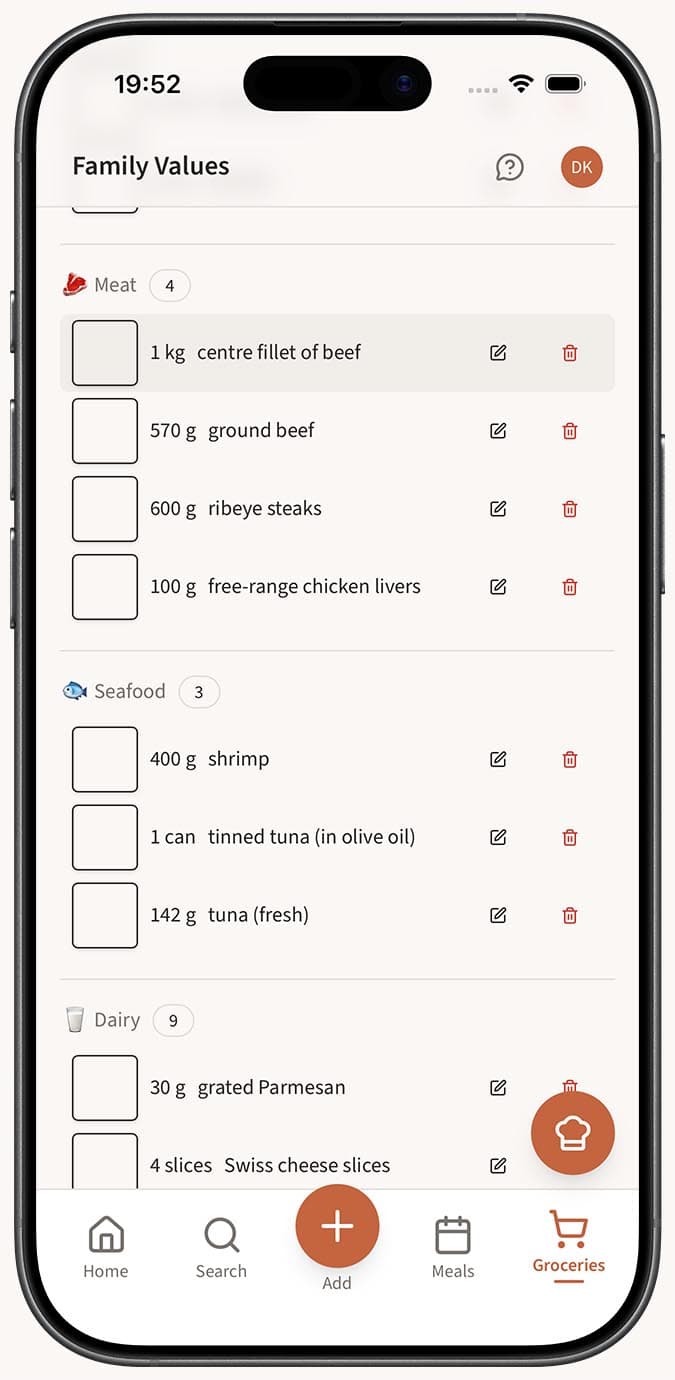
- Confronta la nuova lista con l'originale, se vuoi. Entrambe sono disponibili nella barra laterale e puoi passare liberamente dall'una all'altra.
Suggerimenti
- AI Simplify è particolarmente utile dopo aver generato una lista della spesa da un piano pasti con molte ricette. Più ingredienti sono coinvolti, più duplicati e incoerenze nelle unità potrà sistemare.
- Puoi comunque modificare manualmente la lista semplificata in seguito. Aggiungi elementi mancanti, regola le quantità o rimuovi ciò che hai già in casa.
- Pensa ad AI Simplify come a un secondo passaggio -- la generazione automatica fa il grosso del lavoro e AI Simplify rifinisce il risultato.
- La tua lista originale viene sempre conservata. Non c'è alcun rischio nel provare AI Simplify perché non modifica mai i tuoi dati esistenti.
Domande correlate
Frequently Asked Questions
Related Articles
Come funziona la lista della spesa automatica
Scopri come Family Values consolida, ridimensiona, unisce e categorizza automaticamente gli ingredienti quando genera una lista della spesa dal tuo piano pasti.
Come organizzare gli articoli della spesa per categoria
Scopri come Family Values raggruppa automaticamente gli articoli della tua lista della spesa nelle categorie del supermercato, così puoi fare la spesa corsia per corsia.