How to Use the AI Cooking Assistant (Chef Val)
Last updated: 2026-03-20
Quick Answer
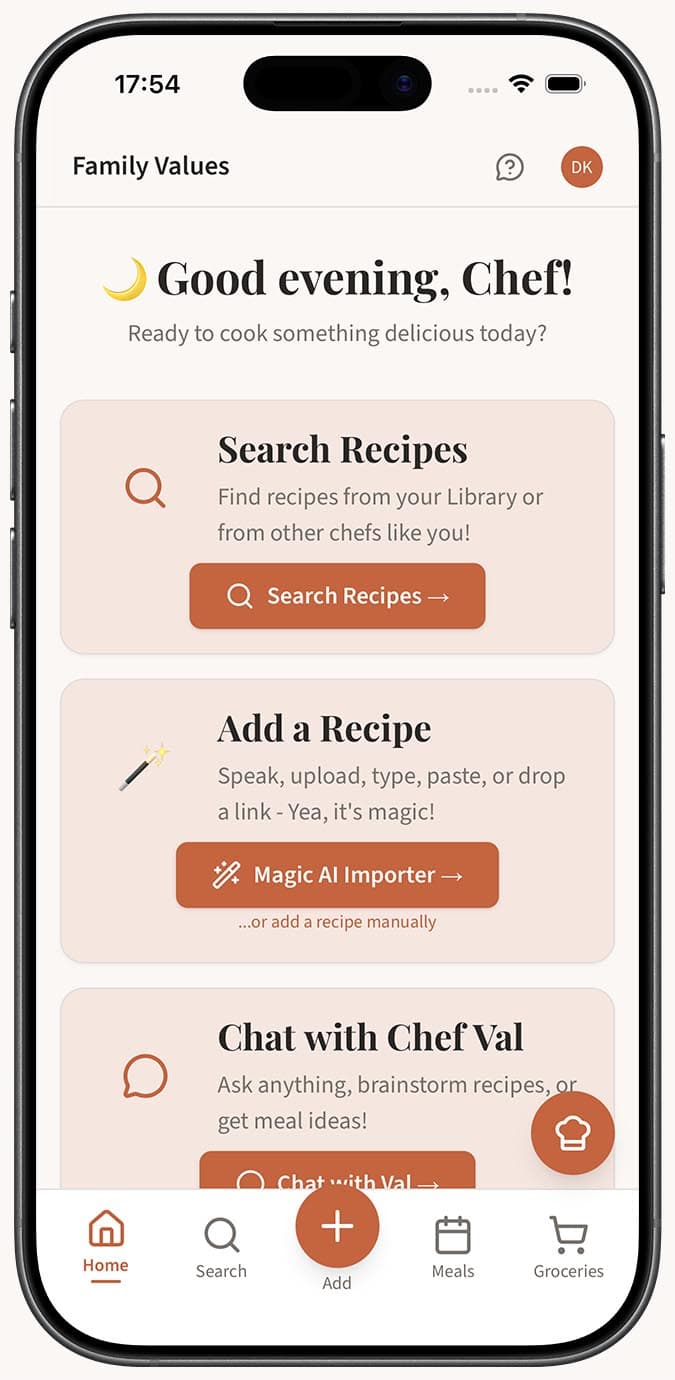
Chef Val is your personal AI cooking assistant inside Family Values. Tap the floating chef hat button in the bottom-right corner of any page at familyvalu.es, type or speak your question, and get instant help with recipes, cooking techniques, substitutions, and more. Chef Val even knows about your saved recipes and preferences.
Step-by-Step Walkthrough
-
Sign in to your Family Values account. Chef Val requires you to be logged in before you can start a conversation.
-
Tap the floating chef hat button in the bottom-right corner of the screen. You can also tap the "Chat with Chef Val" button on the home page.
-
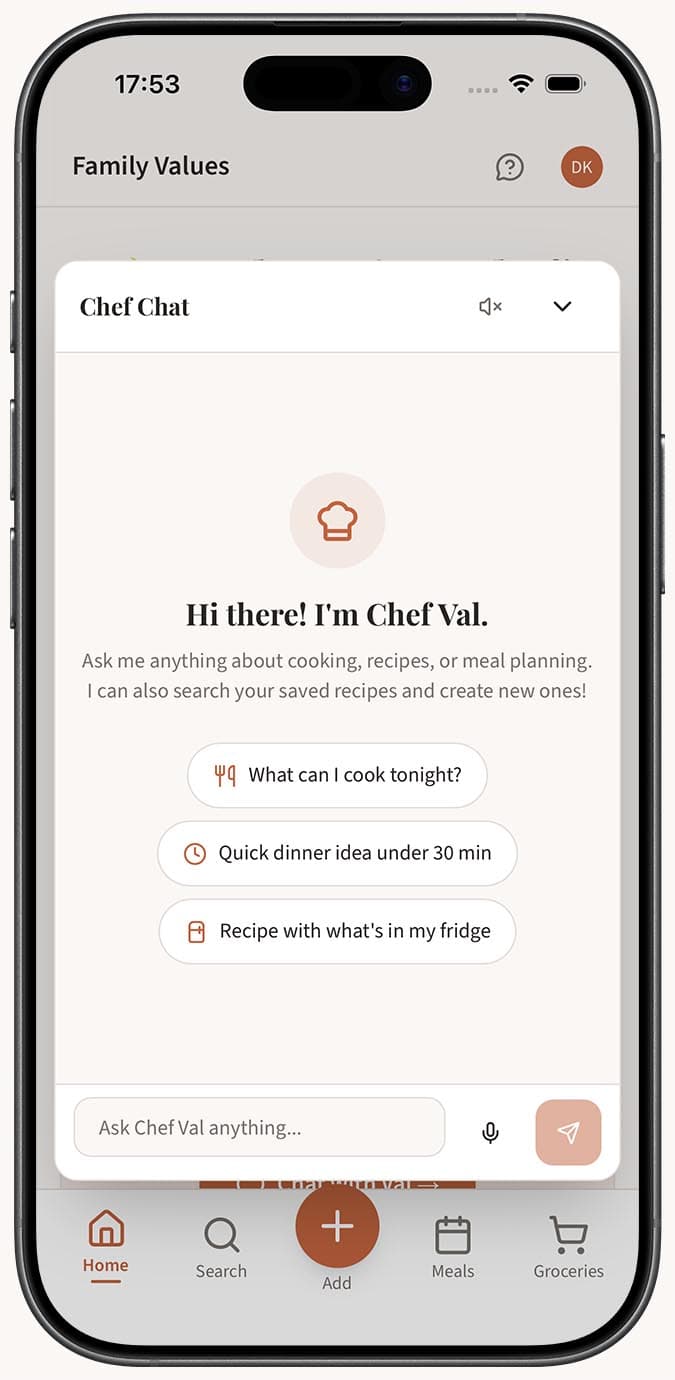
Read Chef Val's welcome greeting. You'll see quick-action buttons like "What's in your kitchen?" and "Help me plan" to get started quickly, or you can type your own question.
-
Type your question or request in the text field at the bottom and press Enter to send it. You can ask anything cooking-related -- recipe ideas, technique explanations, ingredient swaps, measurement conversions, and much more.
-
Read Chef Val's response. If you'd like the answer read aloud, toggle the TTS (text-to-speech) button in the chat header.
-
Continue the conversation naturally. Chef Val remembers the last 20 messages in your session, so you can ask follow-up questions without repeating yourself.
-
Close the chat window by tapping the X button in the header. On mobile, the chat opens as a full-screen overlay. On desktop, it appears as a 420px by 620px window anchored to the bottom-right.
Tips
- Chef Val automatically receives context about your saved recipe names, categories, preferred language, and measurement units, so its answers are tailored to you.
- Use the quick-action buttons on the welcome screen when you're not sure what to ask. They're great conversation starters.
- If the conversation gets cluttered, tap the clear chat button in the header to start fresh. You'll be asked to confirm before anything is erased.
- If you hit a rate limit (a 429 error), just wait a moment and try again. This only happens with very heavy usage.
- Try voice input for a hands-free experience while you're cooking -- see our guide on voice chat with Chef Val.
Related Questions
Frequently Asked Questions
Related Articles
How to Ask Chef Val for Recipe Suggestions
Learn how to get personalized recipe ideas from Chef Val, the AI cooking assistant in Family Values, based on ingredients you have, cuisines you love, or dietary needs.
How to Use Voice Chat with Chef Val
Learn how to talk to Chef Val using your microphone for hands-free cooking help in Family Values. Record your voice, get transcribed messages, and hear spoken replies.
What Kind of Questions Can I Ask Chef Val?
A comprehensive guide to the types of cooking questions, topics, and requests you can ask Chef Val, the AI assistant in Family Values.