How to Contact Support
Last updated: 2026-03-20
Quick Answer
Need help or want to share feedback? Head to the contact page at familyvalu.es/contact and fill out the form. The Family Values team reads every message and will get back to you as soon as possible.
Step-by-Step Walkthrough
-
Visit the contact page. Go to familyvalu.es/contact in your browser. You can access this page whether or not you're signed in.
-
Fill out the contact form. You'll see a straightforward form. Provide your details and describe what you need help with, what feedback you have, or what issue you've encountered.
-
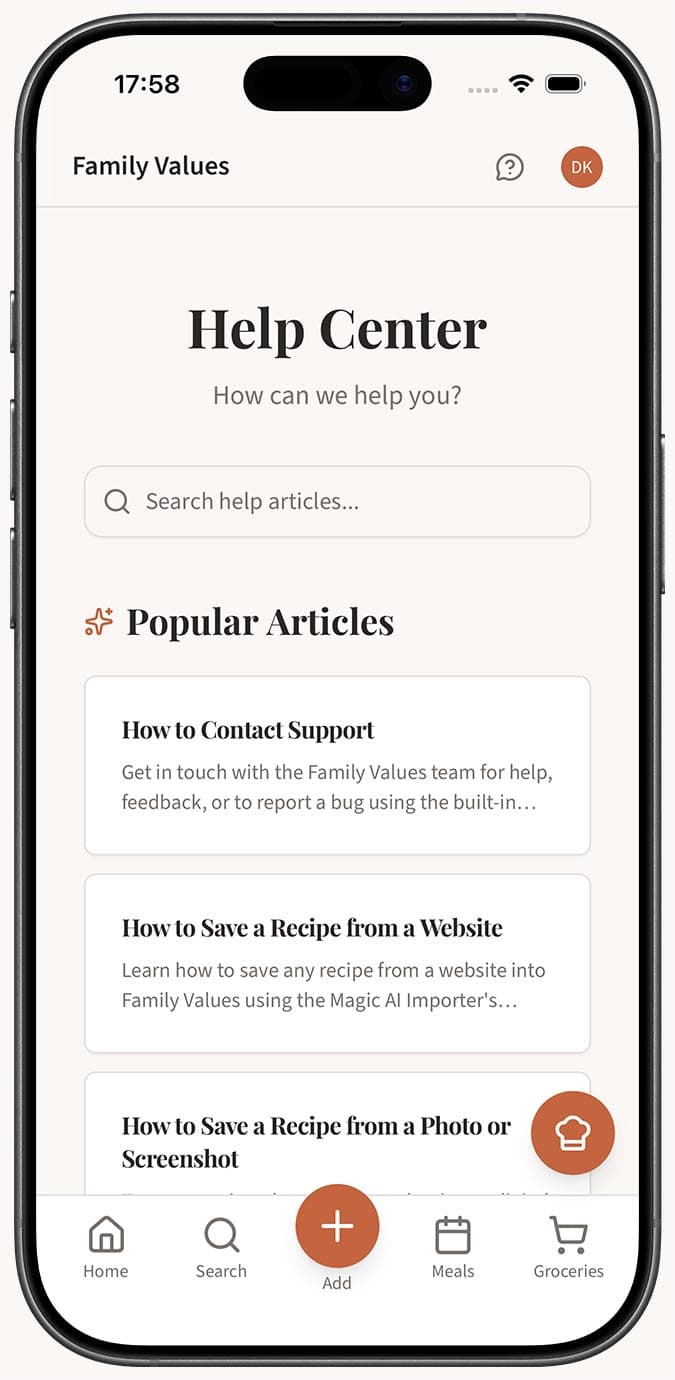
Be specific if reporting a problem. The more detail you include, the faster we can help. Useful things to mention:
- What you were trying to do
- What happened instead of what you expected
- Which device and browser you were using
- Any error messages you saw
-
Submit the form. Tap or click the submit button to send your message. You'll receive a confirmation that your message was received.
-
Check your email for a reply. The team will respond to the email address associated with your account or the one you provided in the form.
Tips
- Check the help center first. Before reaching out, take a quick look through the help articles -- your question might already be answered. It could save you time waiting for a reply.
- Screenshots help a lot. If you're reporting a visual bug or something that's hard to describe in words, attaching a screenshot or describing exactly what you see on screen makes a big difference.
- Feature requests are welcome. The contact form isn't just for problems. If you have an idea for a feature that would make Family Values better for your family, we genuinely want to hear it. Community feedback shapes what gets built next.
- Be patient but persistent. The team is small and cares deeply about every message. If you haven't heard back in a few days, it's perfectly fine to send a follow-up.
- Feedback makes the app better. Every bug report, suggestion, and kind word helps improve Family Values for everyone. Don't hesitate to reach out -- even small things matter.